

Canta APK is a utility application designed for Android users to uninstall apps without the need for rooting their devices. By leveraging Shizuku, a separate tool, Canta grants ADB-level permissions to your device, ensuring that uninstallation of pre-installed applications, commonly known as bloatware, is seamless. This guide provides detailed instructions on how to use Canta for removing unwanted apps securely.
To start using Canta APK, you first need to install Shizuku. This installation enables ADB permissions, providing Canta with the necessary privileges to remove apps that are otherwise difficult to uninstall. The setup requires only one configuration process, which, once completed, allows users to freely uninstall apps without worrying about rooting their Android device. After the initial setup, users can proceed to uninstall apps directly through Canta.
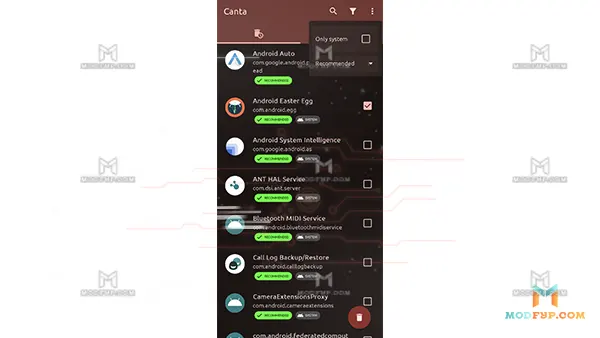
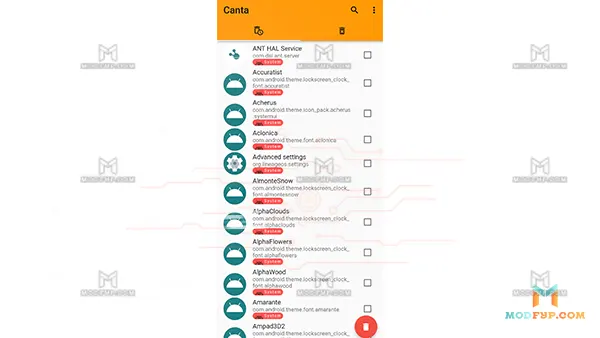
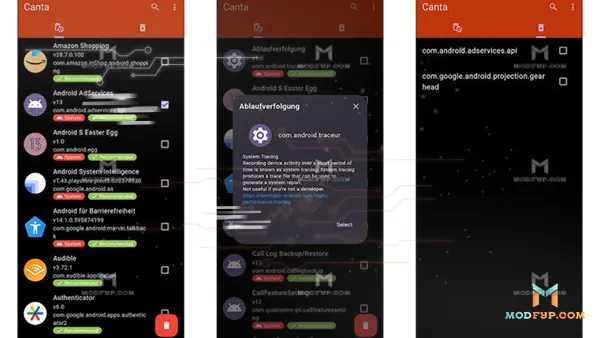
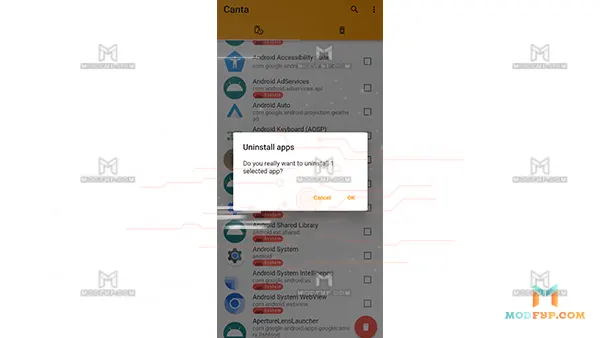
Upon successful configuration, you can open Canta APK to view all installed apps. The app allows users to easily select any app for removal. Additionally, Canta provides community-driven insights, including descriptions and tags, which can help you understand the purpose of each app. This feature ensures that you can uninstall bloatware and unwanted apps with confidence. Canta does not compromise the integrity of the device’s data or its privacy, making it a trusted tool for clean-up.
The standout feature of Canta APK is its ability to uninstall apps without the necessity for root access. This ensures that users can maintain the security and privacy of their devices. Rooting a device often leads to potential security vulnerabilities, but with Canta, all the app removal is done without compromising device integrity.